 Cover Art
The BananaBoy Cover Art Process
Every great cover starts the same way: a blank canvas, a quiet room, and that moment where the artist and the idea finally meet. This blog post walks you through the exact process I use when I create custom artwork for singles, mixtapes, and albums — the real behind‑the‑scenes stuff, not the “open Canva, slap text on a square, and pray it looks good” approach.
Because let’s be honest: anyone can drag a font across a template. But if you don’t have a system — a real creative engine — your cover won’t just look off… it’ll feel off. Forgettable. Generic. The kind of artwork people scroll past without even realizing they saw it.
So whether you’re here hunting for inspiration for your next release, or you’re peeking behind the BananaBoy curtain before you hire us, settle in. You’re about to see how a cover goes from concept to something that actually means something.
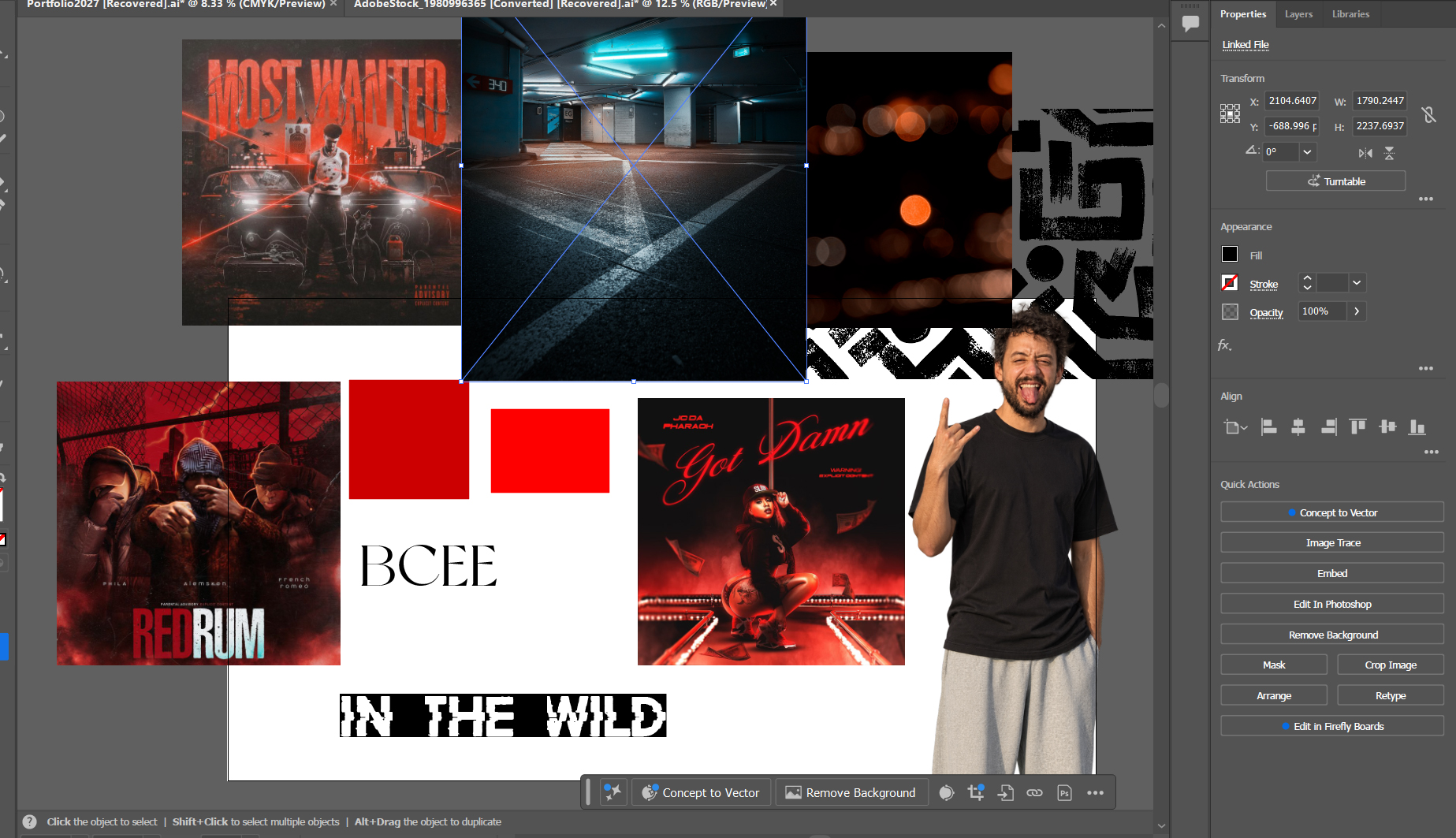 A mood board I created for my pretend song called 'RUN IT'
Inspiration
Every cover starts with inspiration. In essence, the war should be won before you ever step onto the battlefield. When you know your tone, your direction, and the story you’re trying to tell, the rest falls into place.
Here are some of the best places to spark ideas and shape your vision:
- Pinterest — my go‑to for discovering layout ideas, textures, and visual effects that set the mood.
- Behance — professional‑level design portfolios; perfect for modern, cinematic, and experimental cover art.
- Dribbble — clean, polished design inspiration; great for minimal, bold, or geometric compositions.
- ArtStation — darker, more dramatic, fantasy, sci‑fi, and high‑concept visuals.
- DeviantArt — raw, underground, and experimental art styles that break the mold.
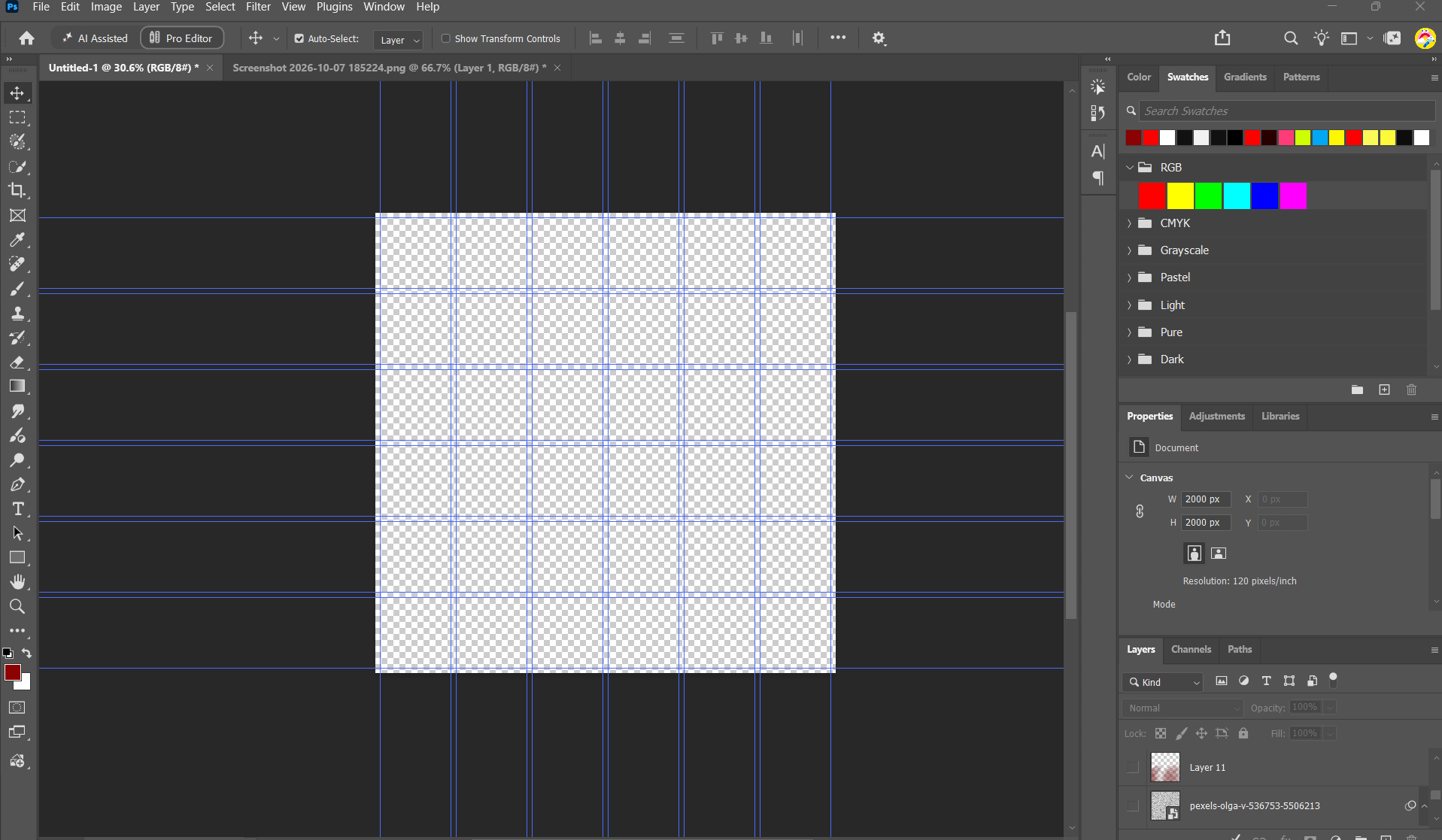 Photoshop canvas with 6 by 6 grid
Planning
Once I have the inspiration and basic information from the artist, I start working on the layout. I know the Photoshop dimensions are going to be 2000 × 2000 pixels. I set some guides — usually a six‑by‑six grid — depending on the level of detail I plan to incorporate. Then I gather my inspiration onto an Adobe Illustrator mood board.
From there, the real fun begins: gathering visuals, textures, and references onto an Adobe Illustrator mood board. It’s where the concept starts to breathe — a collage of ideas that slowly reveals the direction the final artwork will take.
Tools
Once I’ve gathered the artist’s tone and direction, it’s time to build the mood board — the visual foundation that sets the stage for the entire cover. Inspiration is one thing, but the right tools make the vision tangible. Here are a few I use to shape the creative palette:
- Adobe Color Wheel — perfect for finding fresh color combinations. I usually stick to two or three colors (not counting black and white) to keep the design focused and intentional.
- Dafont — a goldmine for typography. Two fonts max — that’s the rule. It keeps the cover clean while giving it just enough personality.
- Pexels — a free source for high‑quality photos. If you use one of their shots, drop credit in your Instagram caption or comments — it’s good creative karma.
- Tint & Shade Generator — this one’s self‑explanatory but powerful. It helps you build tints and shades of your primary, secondary, and highlight colors for depth and cohesion.
RENDERING
Like I said, once the groundwork is done — the tone, the references, the mood board — the design almost starts to create itself. At this stage, it’s less about forcing ideas and more about letting the concept breathe. I begin experimenting, building out dozens of variations, each one inching closer to the vision in my head or the reference that sparked the idea in the first place.
This is where instinct takes over. I’ll tweak lighting, shift color balance, test new textures, and play with composition until something clicks. Sometimes it’s one small adjustment — a font weight, a shadow, a gradient — that suddenly makes the entire piece feel alive.
The process isn’t linear; it’s a loop of refinement. Each variation teaches me something about what the cover wants to be. And when it finally aligns — when the emotion, tone, and visual rhythm all sync — that’s when I know the artwork is ready to stand on its own.
I should note that I ended up not using myself as the subject and found a picture instead.
For the first image, I started with a simple background and pushed a strong red filter over it to set the tone.
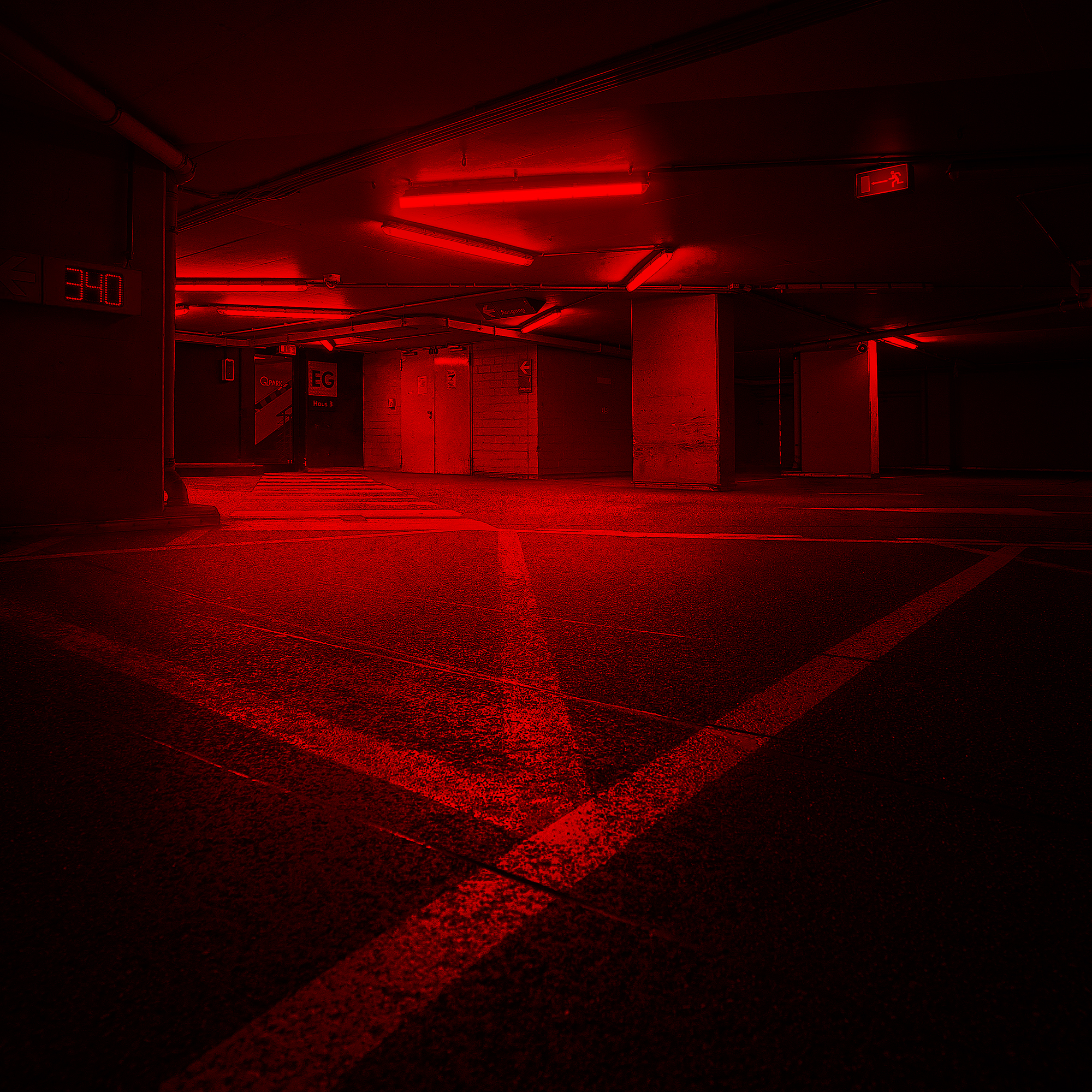 Background Layer
Next, I layered in lighting effects to guide the eye straight to the subject.
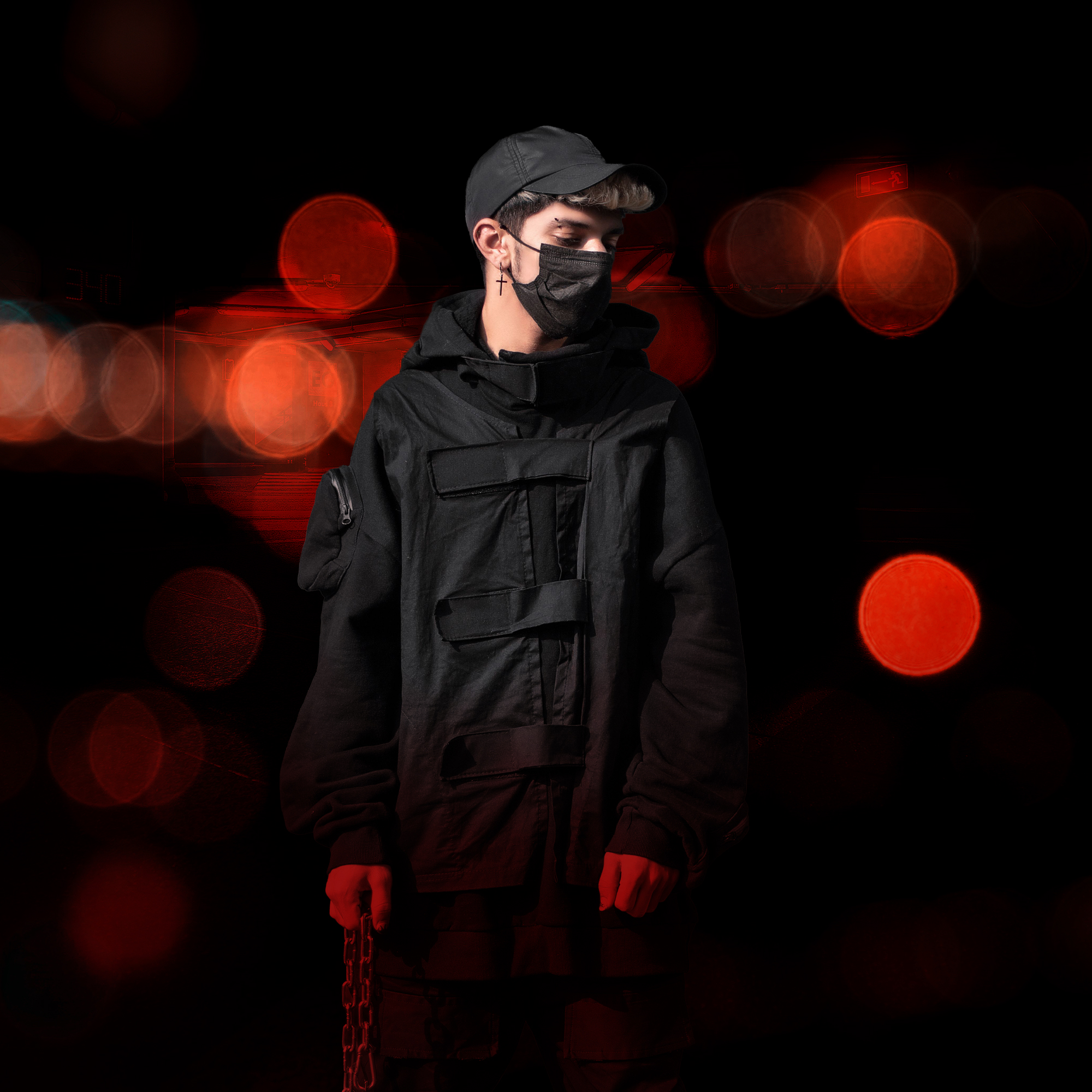 This is the subject i chose to make the cover art for.
Next, I dropped the artist into the design as the main subject.
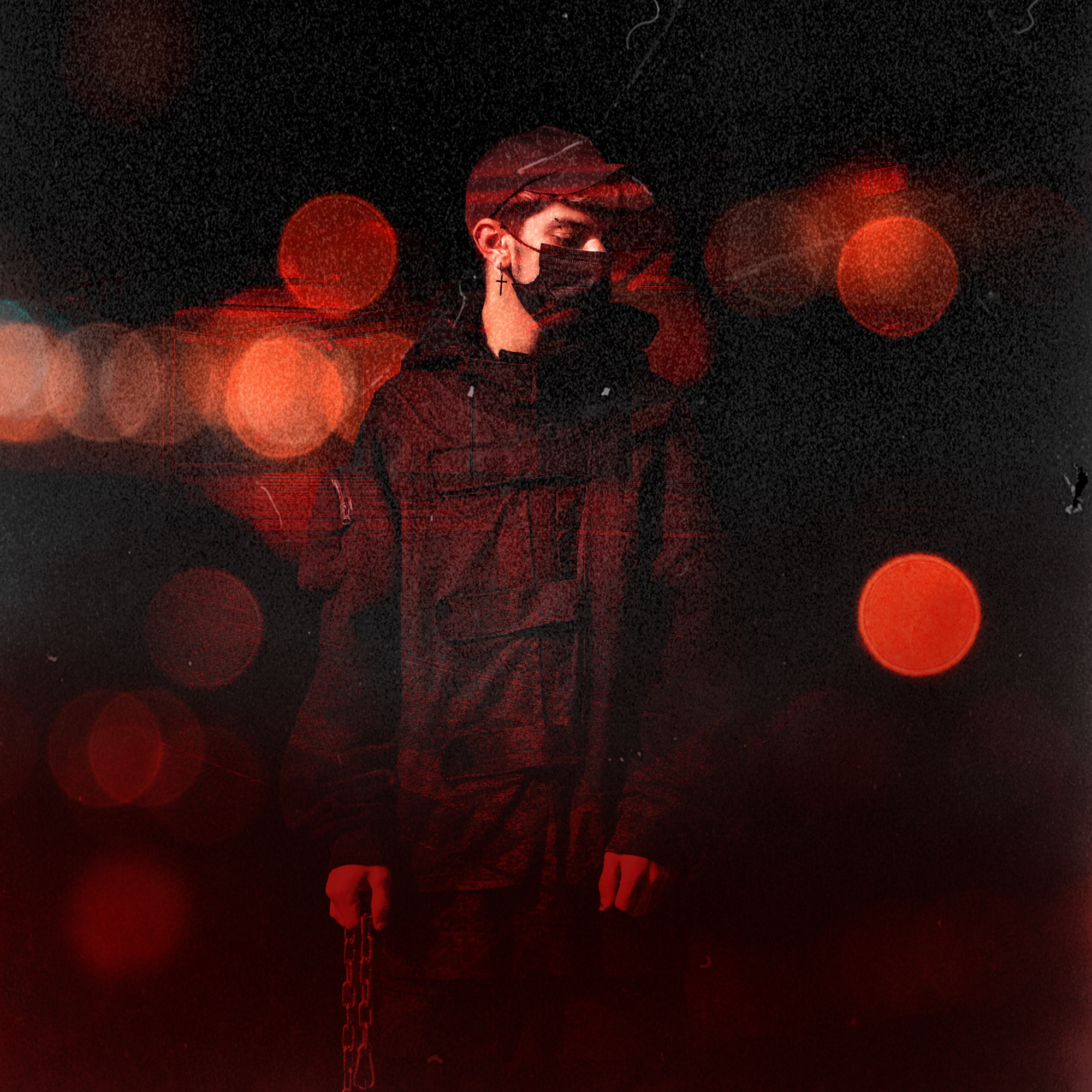 I added a filter and played around with the image modes, to get this cool effect.
The last step was to add typography and additional elements like the explicit sticker and smoke.
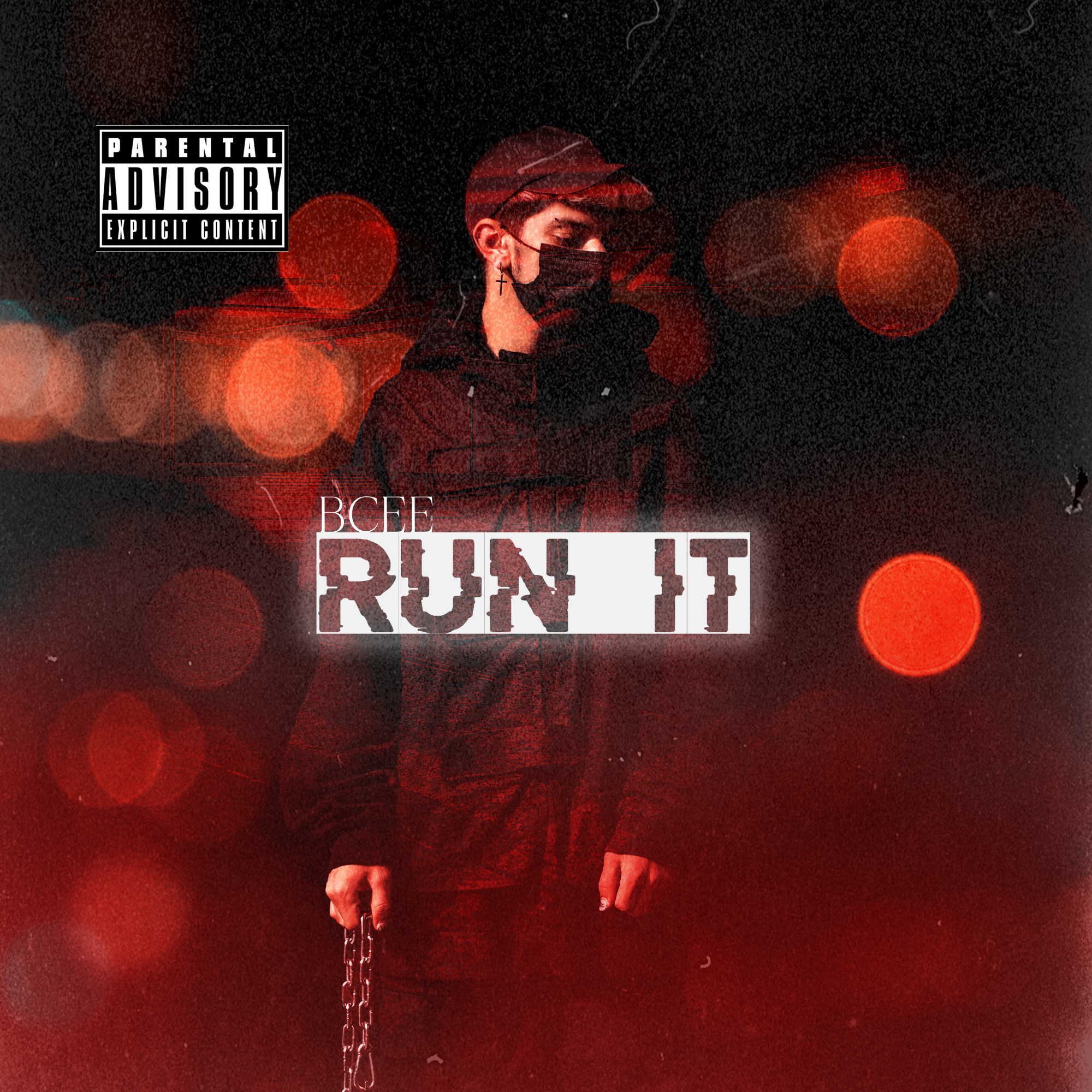 Final Cover as deliverable.
PRESENTATION
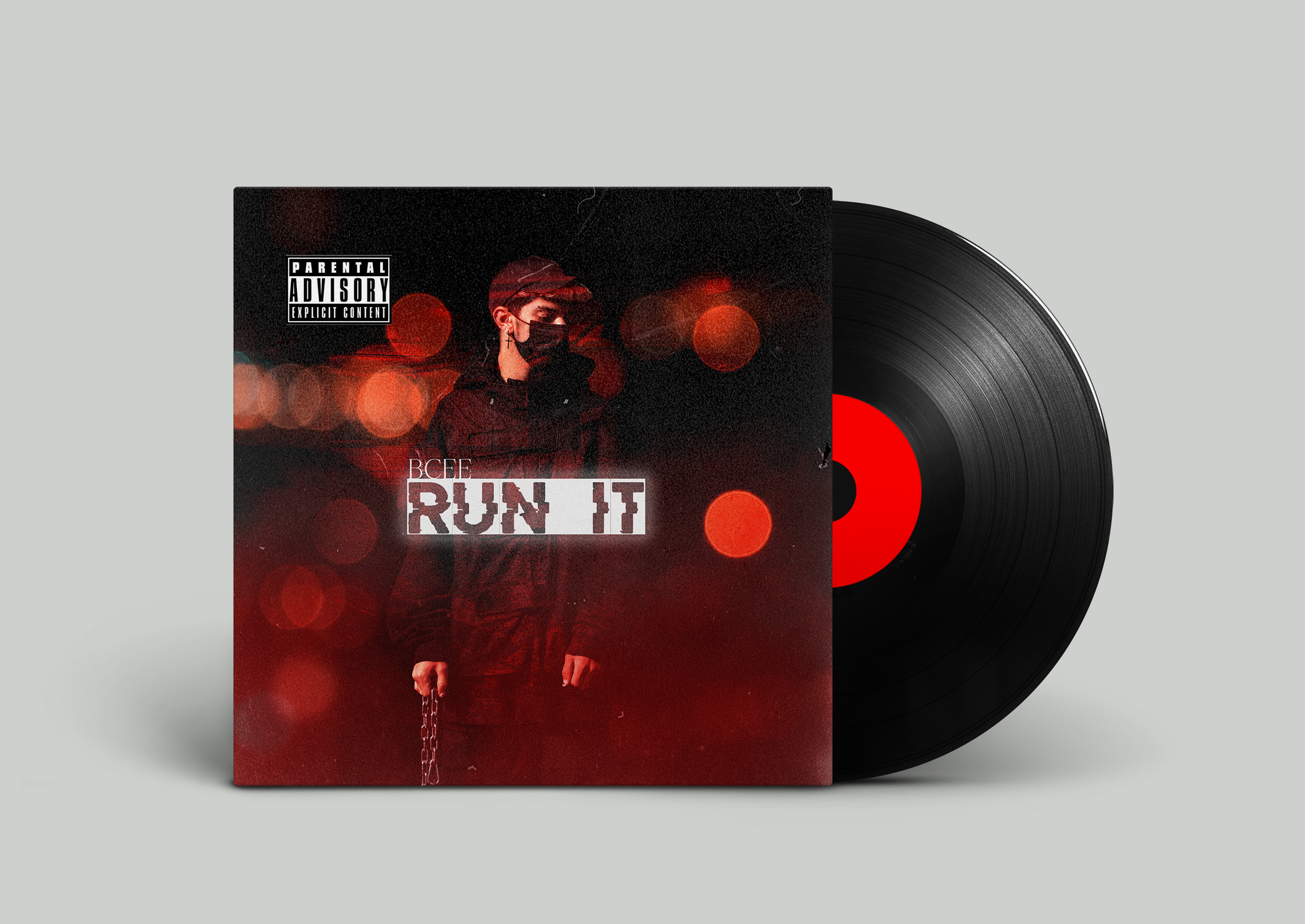
How I present the work matters, so I usually find a clean, professional mockup and place the new cover inside it. This helps the client see exactly how their artwork will look in use.
Mockup Time !